GV-POS SW Capture

GV-POS SW Capture – Features and Capabilities

  • Connection to GV-NVR and GV-VMS devices.

  • Access to data and transactions from the POS device.

  • Connection via RS-232 cable.

  • Overlay transaction data with images.

  • Connection to GV-DVR and NVR devices.

  • Generation of RAW and EMF files.

  • Detailed transaction review through live views and recordings.

  • Easy monitoring of payments and transactions.

Rated 0 out of 5

Description

GV-POS SW Capture – POS and Surveillance Integration

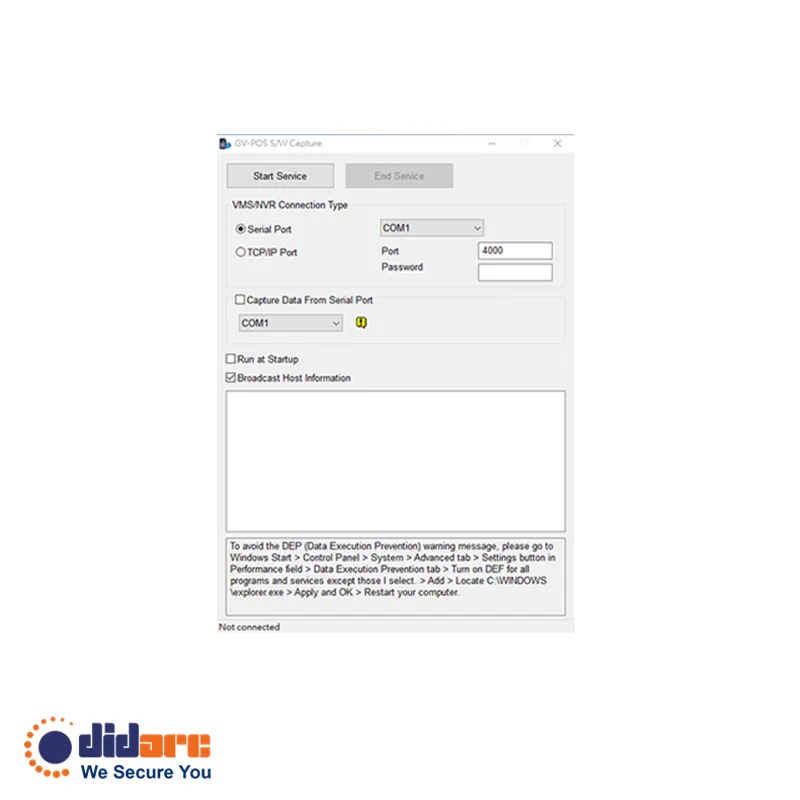
GV-POS SW Capture allows you to connect a Windows-based POS device to GV-NVR and GV-VMS. It enables transaction data from the POS device to be transferred to the GV-NVR and GV-VMS via RS-232 serial or network connections. This data can then be overlaid on live views and recordings, enhancing surveillance with real-time transaction information.

    Download

    DatePreviewSizeTitleType
    2018-11-06324KBDatasheet GV-POS S/W Capture
    2018-11-06703 KBGraphic POS Integration
    2024-04-269.1MBGV-VMS User’s Manual V17
    2020-10-2724.7MBGV-DVR / NVR User’s Manual (English)